
Running a club is a team sport, but the Treasurer often feels like they’re playing a solo game of “Where’s that Receipt?” While the Treasurer is responsible for the books, the entire committee is responsible for the financial health of the club.
If you want to keep your Treasurer happy (and prevent them from resigning in a cloud of spreadsheets), here is how to make their job significantly easier.
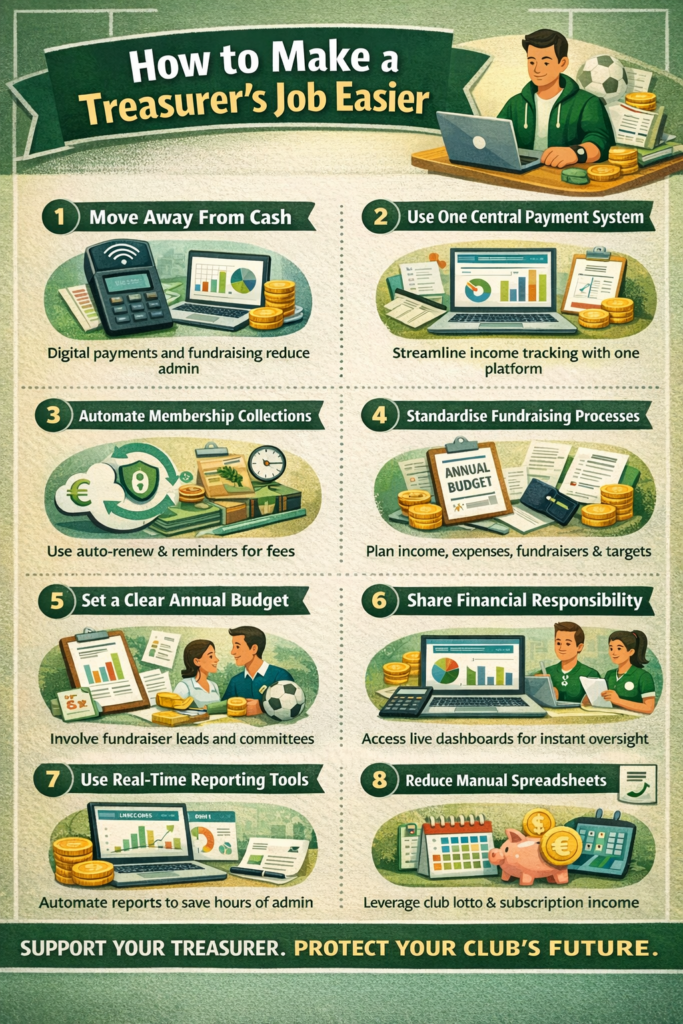
1. Kill the Paper Trail (Go Digital)
The biggest time-sink for any Treasurer is manual data entry. Transitioning to a digital-first workflow can cut their workload by 50%.
- Use Accounting Software: Move away from Excel and toward tools like Xero, QuickBooks, or Wave. These allow for automatic bank feeds, meaning the Treasurer doesn’t have to manually type in every transaction.
- Digital Payments Only: Stop accepting “cash in an envelope.” Use a one stop payments and fundraising platform like Klubfunder. This creates an automatic digital audit trail.
2. Master “Receipt Discipline”
A Treasurer’s nightmare is a $200 withdrawal with no explanation. To fix this, the committee must agree to a strict receipt policy:
- The “No Receipt, No Reimbursement” Rule: Make it clear that funds won’t be returned without a digital or physical tax invoice.
- Instant Uploads: Use an app (like Hubdoc or even a shared Google Drive folder) where members can snap a photo of a receipt the moment they buy something.
3. Implement a Standardized Expense Claim Form
Don’t let members send “I bought some paint” via a WhatsApp text. Create a simple Google Form for all expense claims that requires:
- Date of purchase
- Total amount
- Category (e.g., Equipment, Catering, Marketing)
- Photo upload of the receipt
4. Set Clear “Spend Limits”
To avoid constant back-and-forth emails, the committee should set pre-approved spending limits.
- Example: “The Social Secretary is authorized to spend up to $100 on snacks per event without seeking Treasurer approval, provided it fits the annual budget.”
- This empowers officers and stops the Treasurer from being a “bottleneck” for tiny purchases.
Summary: The “Easy Mode” Checklist
| Action | Benefit |
| Shared Google Drive | All financial docs are in one place, not lost in email threads. |
| Annual Budget | Prevents “surprise” costs that stress out the Treasurer. |
| Scheduled Payouts | Tell members reimbursements only happen on the 1st and 15th of the month. |